Everyday home security checklist
Security software is one layer. These free habits protect you whichever antivirus you use, and most take only a few minutes to set up.
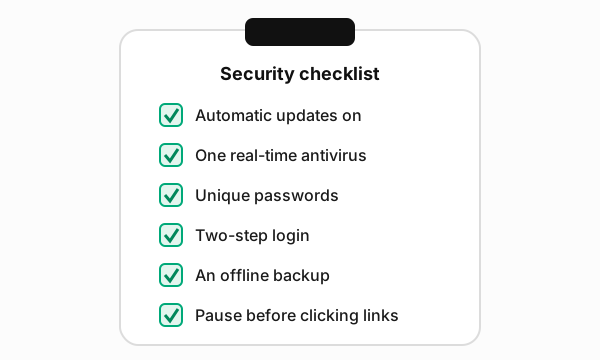
1. Turn on automatic updates
Many attacks exploit security holes that have already been fixed. Let your operating system, browser and apps update automatically, and restart when asked. Replace devices that no longer receive security updates.
2. Run one real-time antivirus
Use either the protection built into your system or a single third-party product, not two at once. Make sure it is switched on and up to date.
3. Use unique passwords, stored in a password manager
Reusing a password means one leaked website can unlock your other accounts. A password manager, whether built into your browser or operating system or a standalone app, makes unique passwords practical.
4. Switch on two-step login
Enable two-step verification (also called two-factor or multi-factor authentication) on your email, banking and social media accounts. Start with email, because it is used to reset every other password.
5. Keep an offline backup
Follow the 3-2-1 idea: three copies of important files, on two types of storage, with one kept disconnected or off-site. Test that you can actually restore a file.
6. Pause before you click
Phishing messages create urgency: an unpaid invoice, a blocked account, a parcel that cannot be delivered. If a message asks you to log in or pay, go to the service directly by typing its address or using its app instead of clicking the link.
If something goes wrong
- Disconnect the device from the network if you suspect ransomware.
- Change passwords from a different, clean device, starting with email.
- Contact your bank straight away if payment details may be affected.
- Report fraud to your national police or cyber-crime reporting service.
Sources
- UK National Cyber Security Centre, “Cyber Aware”: ncsc.gov.uk/cyberaware
- ENISA (EU Agency for Cybersecurity), awareness resources: enisa.europa.eu
- CISA, StopRansomware guidance: cisa.gov/stopransomware